
What a St. Johns County Court Docket Is
A court docket is a numbered, chronological log of everything that happens in a case. Each entry lists the date, the type of filing or event, and sometimes the parties or judicial officer involved. Docket entries are not the documents themselves; they are index entries pointing to the underlying filings. Think of a docket as a table of contents for a court case file.
In St. Johns County, the Clerk of the Circuit Court and County Comptroller maintains dockets for every division: circuit civil, county civil, criminal felony, misdemeanor, criminal traffic, civil traffic, family, probate, guardianship, small claims, mental health, and specialty types like animal control appeals or code enforcement. Each division has its own docket format, but the Benchmark portal presents them in a consistent structure so you can read any case type the same way.
Dockets differ from full court records only in depth. A court record includes the case file and all documents. A docket is the structured event list within that file. Most public users need only the docket to know what happened, when, and what comes next. Full document access may require registration or, in some cases, a certified-copy request.
- Docket entry
- A single line in a case's chronological event log. It shows the date, event type, and any relevant parties or descriptions.
- Disposition
- The final outcome of a case or individual charge, such as a judgment, sentence, dismissal, or acquittal. When a case is closed, the disposition entry is the last meaningful docket event.
- Open/Pending
- A case that has not yet reached a final disposition. The docket will still show future hearing dates and pending filings.
- Closed/Disposed
- A case where final judgment or other concluding action has been entered. The docket log is complete.
- Return of service
- A docket entry confirming that a summons, order, or warrant was officially delivered to a party. This entry can also make previously confidential warrant documents publicly disclosable inside the case.
- Capias
- Florida's term for a court-issued arrest order, often resulting from a failure to appear. A capias entry on the docket signals that an arrest warrant has been issued within the case.
How to Find St. Johns County Court Dockets
The primary tool is the Benchmark portal, reached through the Clerk's online research hub. Once you enter Benchmark, you have two paths: the Search tab and the Court Docket tab. The Search tab finds cases by name, case number, citation number, date range, court type, and other filters. The Court Docket tab gives a docket-focused view from the same system. Both paths use the same underlying case data maintained by the Clerk's office.
- Open the Clerk's online research page and choose Court Records to enter Benchmark.
- To look up a specific case, use the Search tab. Enter the case number if you have it. Case number searches give the fastest, cleanest result.
- To find cases by person, enter the name in the Name field. Try alternate spellings, especially for common surnames or names with accents.
- Click the Court Docket tab to access a docket-specific view. From there you can pull up case schedules and events organized around a specific case or date.
- Once a case opens, scroll to the docket entries section to see the full chronological event log.
- For certified copies of specific docket documents, use the Get Certified Documents link to E-Certify. Non-certified documents may be viewable and printable free of charge for publicly accessible cases.
Note: Benchmark requires JavaScript to run correctly and is best viewed at 1366x768 or higher resolution. Anonymous public access is available without an account, but registered users may see additional document images depending on their access role.
Benchmark Court Docket Search Fields
The same fields used for a full case search also drive docket lookups in Benchmark. The table below focuses on the fields most useful when your goal is the docket log rather than the full case file. You do not need to fill every field; one strong identifier, like a case number, pulls up the docket immediately.
| Field Label | Type | Required | Notes / Format |
|---|---|---|---|
| Case Number | Text | No | The fastest path to a specific docket. Enter the exact case number. |
| Citation Number | Text | No | For traffic and citation-based matters where no court case number has been assigned yet. |
| Name | Text | No | Party or business name. Try spelling variations and enable Include Alias if needed. |
| Date Opened | Date range | No | Start and "To" end date when the case was filed. Useful for narrowing a common name. |
| Date Closed | Date range | No | Filters by case closure date for resolved matters. |
| Court Types | Multi-select list | No | Criminal Felony, Misdemeanor, Criminal Traffic, Civil Traffic, Circuit Civil, County Civil, Domestic Relations/Family, Probate, Small Claims, and many more. Select the division you need. |
| Party Types | Checkbox | No | Plaintiff, Defendant, Judge, Attorney, Include Alias. |
| Statutes / Charges | Text with Add button | No | Add a statute or charge code to narrow criminal or traffic dockets. |
| Court Docket tab | Navigation | No | Opens the dedicated docket view in Benchmark for schedule and event-based lookups. |
The portal image below is from the Florida Courts E-Filing Portal, the statewide system the Clerk uses for electronic filing. Attorneys and self-represented litigants file documents here, and those filings then appear as docket entries in Benchmark once the Clerk processes them.
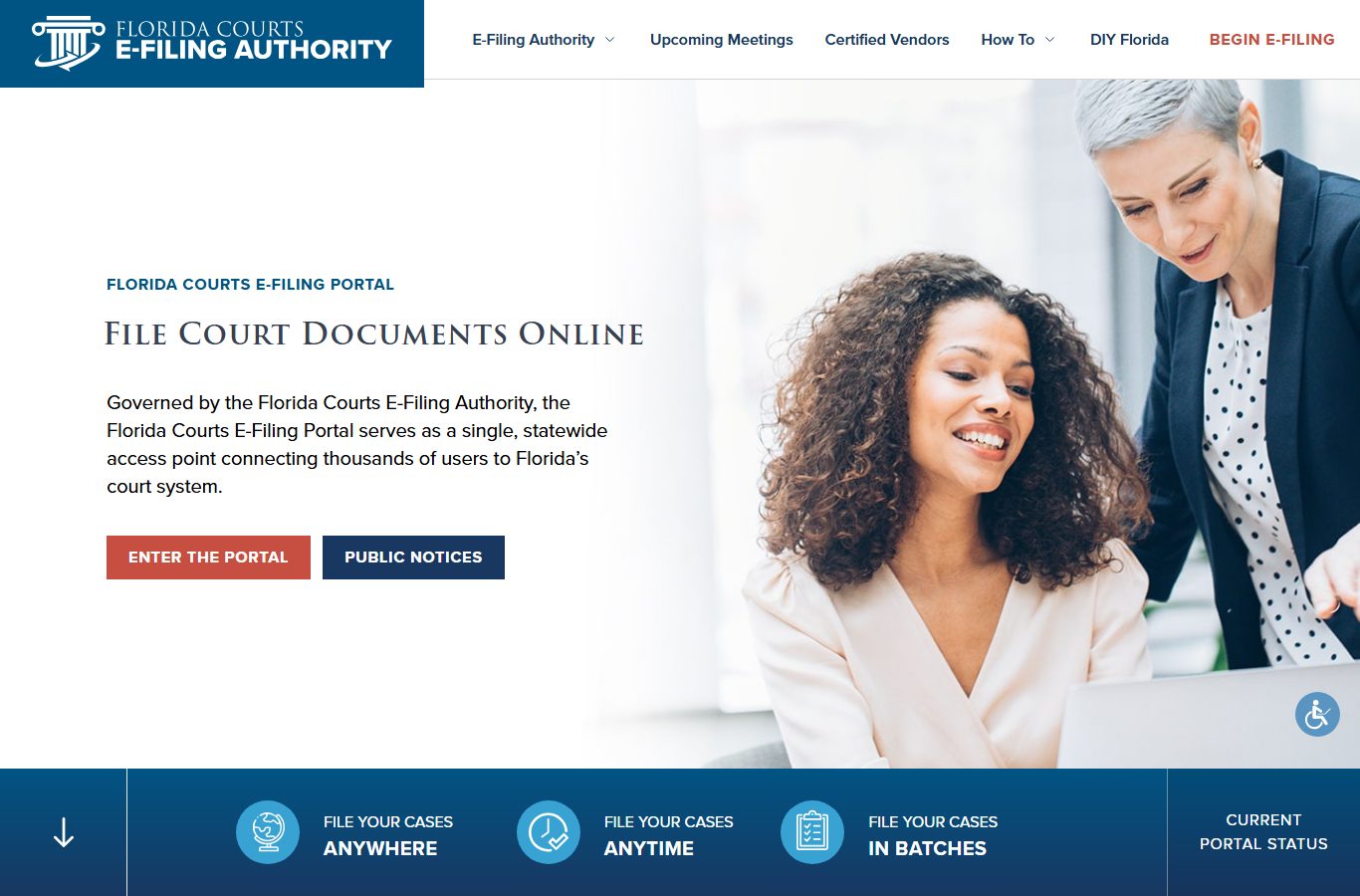
The Florida Courts E-Filing Portal, shown above, routes new court filings into the Clerk's case management system. Each accepted e-filing generates a docket entry that becomes visible to the public through Benchmark.
Typical St. Johns County Docket Entry Inventory
The kinds of entries that appear in a St. Johns County case docket depend on the case type and stage. Criminal felony dockets read differently from small claims or family dockets, but they all share a common structure: date, event label, and outcome notes. The table below shows common docket entry types across the major divisions, based on the Clerk's case management descriptions and court documentation.
| Docket Entry Type | What It Means | Typical Division |
|---|---|---|
| Information / Indictment Filed | Formal charging document filed by the State Attorney, initiating the criminal case. | Criminal Felony, Misdemeanor |
| Probable Cause Affidavit | Law enforcement sworn statement supporting arrest; may be confidential until returned/served. | Criminal |
| First Appearance | Early hearing where a judge reviews probable cause and sets or modifies bond. | Criminal Felony, Misdemeanor |
| Arraignment | Hearing where the defendant enters a plea of guilty, not guilty, or no contest. | Criminal, Traffic |
| Motion Filed | Written request by a party asking the judge to take a specific action. | All divisions |
| Order Entered | Judge's written ruling on a motion or on the court's own initiative. | All divisions |
| Notice of Hearing | Scheduling entry listing the date, time, and subject of an upcoming hearing. | All divisions |
| Plea Entered | Record of the defendant's formal plea in a criminal or traffic case. | Criminal, Traffic |
| Sentencing | Entry recording the judge's sentence after conviction or plea. | Criminal Felony, Misdemeanor |
| Judgment | Final court decision resolving a civil or criminal matter. | Civil, Criminal, Small Claims |
| Capias/Warrant Issued | Court-issued arrest order, often after failure to appear. | Criminal, Traffic |
| Return of Service | Confirmation that a process document was served on a party. | Civil, Family, Criminal |
| Payment/Fine Entry | Record of a fine, fee, or cost payment logged by the Clerk. | Criminal, Traffic, Civil |
| Petition Filed | Formal written request starting a family, probate, or guardianship proceeding. | Family, Probate, Guardianship |
| Disposition / Case Closed | Final status entry marking the case resolved. | All divisions |
This inventory reflects the entry types the Clerk's case management system and division pages describe. Exact labels can vary by case type and Benchmark data entry. If an entry label is unfamiliar, read the surrounding context in the docket log or contact the Clerk's division directly.
Which St. Johns County Courts Publish Dockets
All courts that file case records with the Clerk have their dockets in Benchmark. St. Johns County is in the Seventh Judicial Circuit, which covers Flagler, Putnam, St. Johns, and Volusia counties. The Richard O. Watson Judicial Center at 4010 Lewis Speedway, St. Augustine, is the home courthouse for the circuit and county judges assigned to St. Johns County.
Circuit court judges handle felony criminal matters, circuit civil disputes above $50,000, family cases including divorce and injunctions, probate, guardianship, mental health proceedings, and juvenile matters. County court judges handle misdemeanors, criminal traffic, civil traffic, small claims, and county civil cases up to $50,000. Both sets of dockets appear in the same Benchmark system because the Clerk of the Circuit Court and County Comptroller is the unified custodian for both court levels.
- Criminal Felony dockets are circuit court records. They include first appearances, arraignments, motions, trial dates, and sentencing entries.
- Misdemeanor and Criminal Traffic dockets are county court records and follow a similar event structure but often move faster.
- Civil Traffic dockets track citation payments, compliance submissions, school elections, and appeal entries.
- Family / Domestic Relations dockets reflect petitions, service, financial disclosure, mediation, parenting plan, and final judgment entries.
- Probate and Guardianship dockets track petitions, publication notices, inventory, creditor periods, orders, and closing entries.
- Civil (Circuit and County) dockets include complaint, answer, discovery, motion, judgment, and writ entries.
Note: Some docket entries are restricted or redacted. Juvenile docket entries are confidential under Florida Statutes section 985.04. Active warrant and supporting affidavit entries are confidential until served under Rule 2.420(c)(6). Sealed and expunged criminal records are not displayed in public anonymous searches.
E-Notify for St. Johns County Criminal Docket Updates
The Clerk's court-services page lists E-Notify as a feature for criminal case tracking. E-Notify is an electronic notification system developed by the Florida State Courts System, Florida Court Clerks and Comptrollers, and the Florida Legislature. It sends updates when docket entries are added to qualifying cases.
E-Notify is available only for adult criminal traffic, adult misdemeanor, and adult felony cases. It does not apply to civil, family, probate, traffic infraction, or juvenile dockets. That limitation matters if you are tracking a case type outside criminal court; for those, you must check Benchmark directly or set calendar reminders based on the hearing dates shown in the docket.
To sign up, you register through Benchmark and link your account to the case you want to follow. Once enrolled, you receive notifications when new entries are added. This is useful for attorneys, parties, victims, and family members who want real-time updates without checking the portal manually. The Clerk confirms that court records are updated in real time, so E-Notify fires when the Clerk's system processes a new entry.
Real-Time Updates and Data Timing
The St. Johns County Clerk's public-records FAQ states that court searches are real time. That means Benchmark reflects docket entries as soon as they are processed in the Clerk's case management system. There is no fixed delay between a courthouse event and its appearance in the public portal, though in practice the time between an event and Clerk data entry can vary by division workload and filing type.
Electronic filings through the Florida Courts E-Filing Portal at myflcourtaccess.com are routed directly into the Clerk's system, which can speed up the time between filing and docket visibility. Paper filings submitted in person require Clerk staff to process and enter the event before it appears online. Emergency court orders and same-day filings may take slightly longer to appear because the Clerk must complete data entry before the system reflects them.
For court date and docket information that is time-sensitive, such as a hearing scheduled the same day or an emergency order, calling the appropriate Clerk division is the safest approach. The Clerk's main phone is (904) 819-3600, Monday through Friday, 8:00 AM to 5:00 PM. Criminal division lines are (904) 819-3618 for felony and (904) 819-3619 for misdemeanor.
Note: Even real-time docket data does not mean every document inside the case is publicly viewable. Certain documents remain confidential based on their nature, the case type, or a court order, regardless of when the docket entry was made.
Restricted and Confidential Docket Entries
Not every entry in a St. Johns County docket is visible to the public. Florida law, court rules, and specific court orders can shield certain entries or the documents behind them. Understanding which entries may be restricted helps avoid confusion when a docket appears to skip events or show fewer entries than expected.
Active warrants and supporting affidavits are confidential under Florida Rule of General Practice and Judicial Administration 2.420(c)(6) until they are served or until law enforcement determines they cannot be executed. Once a return of service is filed in the case, those previously confidential entries may become publicly disclosable inside the individual case record. The Clerk does not publish a separate active-warrant list; warrant status is tied to the case docket.
Juvenile delinquency and dependency dockets are restricted under Florida Statutes section 985.04. Adoption dockets are confidential under section 63.162. Mental health clinical information inside court dockets is protected under section 394.4615. Sealed criminal records are restricted under section 943.059, and expunged records are removed from anonymous public access under section 943.0585. Cases dismissed as to all counts may be automatically sealed after FDLE files a notice under section 943.0595, at which point those dockets disappear from public search results.
Redactions are also common within publicly visible dockets. Social security numbers, financial account numbers, protected home addresses, victim identifiers in sexual offense and domestic violence cases, and minor children's names are removed from public-facing data under chapter 119, Rule 2.420, and electronic-access standards. If a specific document field is blank or marked restricted, that is intentional and consistent with Florida law.
Court Dockets vs Full Court Records
A docket and a court record are related but not the same thing. Knowing which one you need saves time and avoids a wasted trip or request.
A court docket is the event log: dates, filings, hearings, and outcomes in order. Most questions about what happened in a case, when hearings are scheduled, or whether a case is still open can be answered with a docket review alone. The docket is free to search for any publicly accessible case.
A full court record includes the documents behind each docket entry. Complaints, motions, orders, charging affidavits, financial disclosures, and judgments are all documents attached to the case file. Some of those documents are viewable online for free if the case is a public record and the Clerk's system makes the file image available. Others require a certified copy request, which carries copy and certification fees. For a copy of a specific court document in a St. Johns County case, the Clerk charges $1.00 per page and $2.00 per certification. Certified copies can also be requested through E-Certify online.
For a broader understanding of what the Clerk's portal shows and how to request copies, see the St. Johns County court records page. For criminal case details including charges and dispositions, see the criminal records page. For traffic case dockets and citation lookups, the traffic court records page covers the Civil Traffic and Criminal Traffic court types separately.