
How to Search St. Johns County Court Records
The official starting point is the St. Johns County Clerk's online research hub. Choose Court Records to open the Benchmark portal, the county's public case search system. Benchmark lets you search by name, case number, citation number, date opened or closed, court type, cause of action, party type, and statute or charge. Using the Clerk's own site keeps you away from lookalike sites that charge for free data. The court search is real time, so it reflects cases as the Clerk's system has them.
Before you start, gather what you know. A case number gives the fastest, narrowest result. If you only have a name, be ready to try spelling variations and a date range. The Clerk advises searching all possible spellings of a name.
The Clerk's online research page is shown below, with tiles for Court Records and Official Records. You can see how the research hub separates court case files from recorded documents.
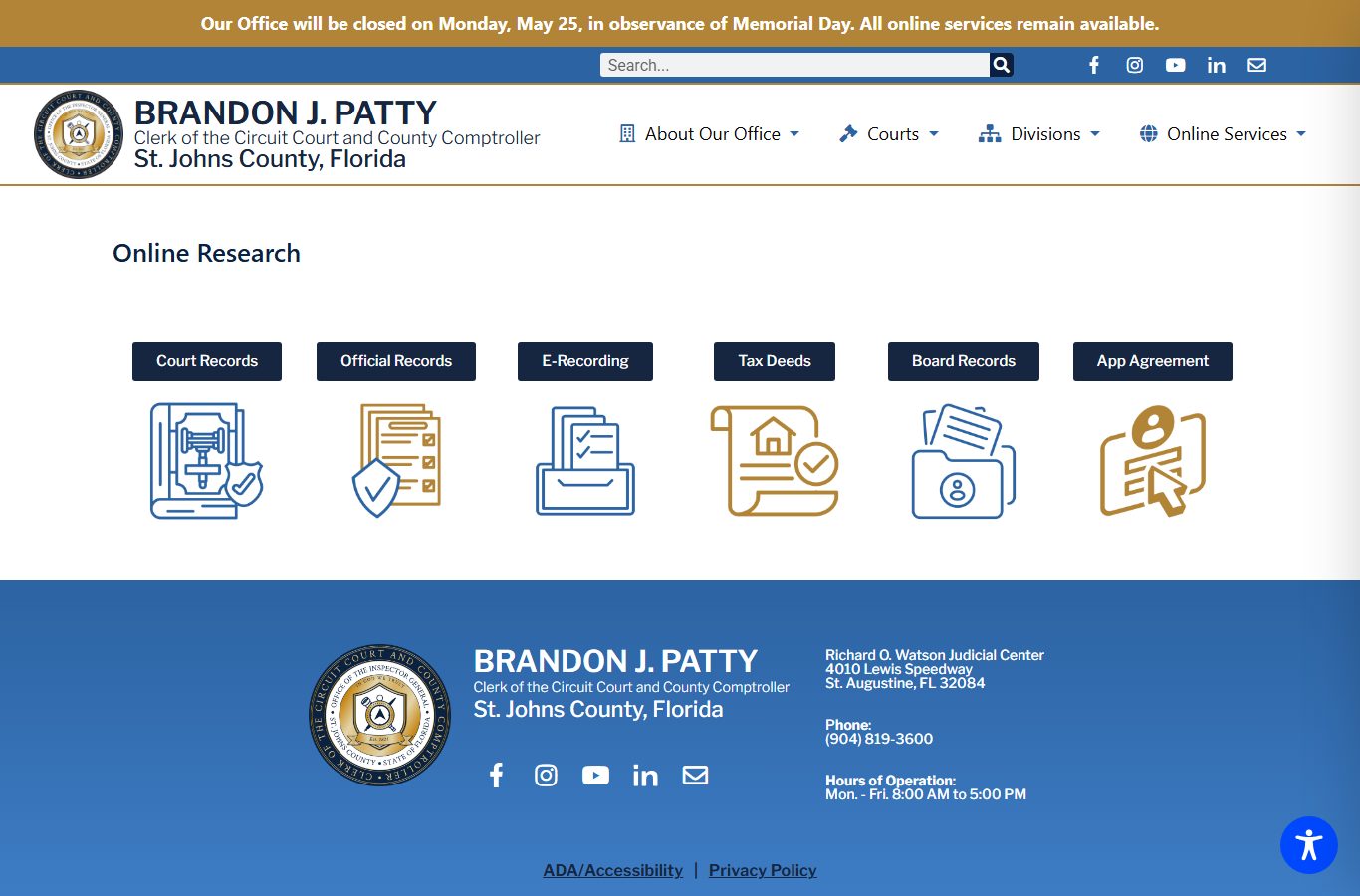
The Court Records tile leads to the Benchmark case search. The Official Records tile leads to Landmark, which holds deeds, mortgages, and recorded marriage licenses instead of court dockets.
- Open the Clerk's online research page and choose Court Records to enter Benchmark.
- If you know the case number, search by Case Number first. This avoids common name and alias issues.
- To search a person or business, use the Name field and try alternate spellings. Turn on Include Alias if needed.
- Narrow common names with the Date Opened and Date Closed ranges.
- Pick a Court Type, such as Criminal Felony, Misdemeanor, Domestic Relations/Family, Probate, Small Claims, or Civil Traffic, when you know the category.
- Click Search. To get a certified copy, use the Get Certified Documents link to E-Certify.
St. Johns County Court Records Search Fields
Benchmark gives you several fields to refine a search. You can mix a name with a date range and a court type to cut down a long result list. The table below lists the main public search fields and how each one works. You do not have to fill in every field; one strong field, like a case number, is often enough.
| Field Label | Type | Required | Notes / Format |
|---|---|---|---|
| Name | Text | No | Party or business name; try spelling variations. |
| Case Number | Text | No | Exact case number; the narrowest search. |
| Citation Number | Text | No | For traffic and citation matters. |
| Date Opened / Closed | Date range | No | Start and "To" end date to narrow results. |
| Court Types | List | No | Felony, Misdemeanor, Civil, Family, Probate, Small Claims, Civil Traffic, and more. |
| Party Types | Checkbox | No | Plaintiff, Defendant, Judge, Attorney; Include Alias option. |
| Statutes / Charges | Text | No | Add a statute or charge filter for criminal or traffic cases. |
The portal needs JavaScript to run and is best viewed at 1366x768 or higher. You can search anonymously, but extra document viewing may need a registered account.
Types of St. Johns County Court Records
The Clerk keeps records for the full range of court divisions. Felony cases are circuit court records. Most misdemeanors and traffic cases are county court records. Civil disputes split by dollar amount, with circuit civil for matters above $50,000 and county civil for smaller claims. Family, probate, and guardianship files round out the main groups.
Each division produces its own kind of file. A criminal file may hold charging documents, pleas, and a sentence. A civil file may hold a complaint, motions, and a judgment. Here are the common record types you can find:
- Criminal records - felonies, misdemeanors, criminal traffic, and ordinance cases with charges, pleas, and dispositions.
- Civil records - circuit and county civil suits, foreclosures, evictions, and small claims.
- Family records - dissolution of marriage, support, paternity, name change, and injunctions.
- Probate and guardianship - estate administration, wills on deposit, and incapacity matters.
- Traffic records - civil traffic infractions and citation cases.
What St. Johns County Court Records Show
A St. Johns County court record is more than a single page. It is a running file of every filing and event in the case. Search results point you to the case, and the case detail lists docket entries, parties, and outcomes. Some documents can be viewed and printed free online; certified copies come through E-Certify. The table below shows the main fields a public case record returns.
| Field | What It Shows |
|---|---|
| Case Number | The unique number used to pull the full court file. |
| Court / Case Type | The division, such as Criminal Felony, County Civil, or Domestic Relations/Family. |
| Parties | Plaintiff, defendant, petitioner, respondent, judge, and attorneys. |
| Filing Dates | Date opened and, if resolved, date closed. |
| Charges / Cause | The statute, charge, or cause of action at issue. |
| Docket Entries | Filings, notices, hearings, orders, and returns of service. |
| Disposition | The outcome, such as judgment, sentence, or dismissal. |
Account holders such as attorneys and parties can register for added document access. The registration agreement page, shown below, explains who must have the form notarized and who simply signs and dates it.
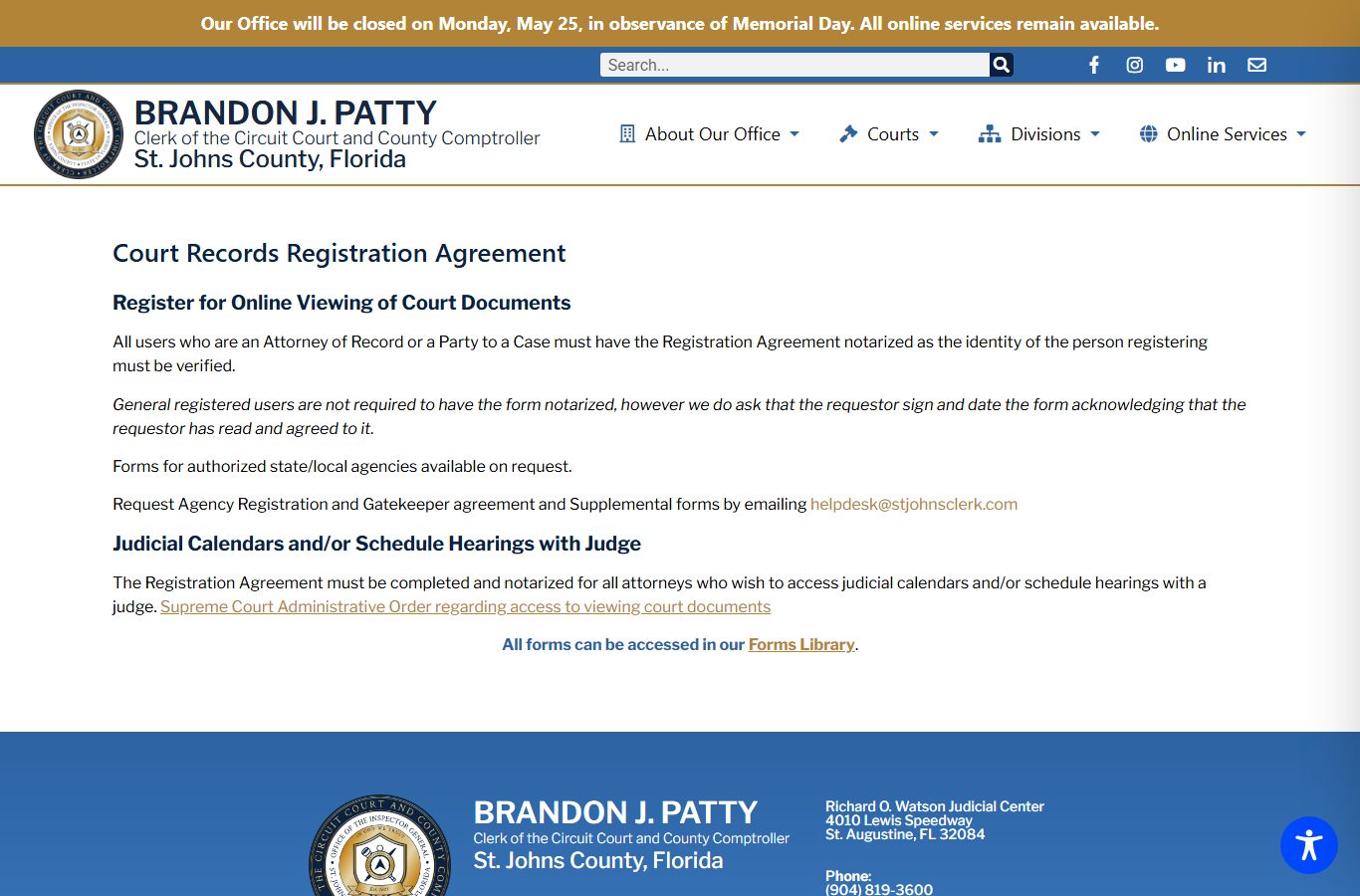
You can read the full terms on the Clerk's court records registration agreement page before you sign up for online viewing.
Public Access Framework for St. Johns County Court Records
Florida law starts from broad access. Records are open for inspection and copying unless a clear exemption applies. That rule comes from article I, section 24 of the Florida Constitution and from chapter 119, Florida Statutes. Court files also follow Florida Rule of General Practice and Judicial Administration 2.420 and Florida Supreme Court access standards. You do not need to give a reason to inspect an ordinary public record.
A few statutes shape how the Clerk responds and what may be shielded. The links below open the official Florida Statutes pages.
Key Statutes:
Florida Statutes § 119.01 - sets the state's open records policy and the presumption of access.
Florida Statutes § 119.07 - governs inspection, copying, and the fees an office may charge.
Florida Statutes § 119.0714 - protects certain information inside court files and official records.
Note: Public access lets you view a case, but it does not mean every document is visible; sealed, juvenile, and protected data may be redacted.
Records That Are Sealed or Confidential in St. Johns County
Some records stay out of public view. Juvenile justice records are confidential under Florida Statutes § 985.04. Adoption files are confidential under section 63.162, and mental health clinical records are protected under section 394.4615. Sealed criminal histories are restricted under section 943.059, and expunged records are restricted under section 943.0585. The Clerk also notes that some dismissed criminal cases become confidential after the Florida Department of Law Enforcement files an automatic sealing notice under section 943.0595.
To view a sealed or confidential record, you usually need a court order or a legal exception. A person who wants their own record sealed or expunged starts with an FDLE eligibility review, then files a petition in the court that handled the case and pays the Clerk filing fee. Active warrants and supporting affidavits are confidential until served. For criminal case detail, see the St. Johns County criminal records page, and for warrant rules see the warrant records page.
Copy and Certification Fees
The Clerk charges set fees for copies and certifications. Plain copies of court records run per page, and a certification adds a flat fee per document. A name search without a case number carries a small per name, per year charge. Card payments add a convenience fee. The fee table below lists the common court record charges.
| Item | Amount |
|---|---|
| Court record copy, per page | $1.00 |
| Certification of a document | $2.00 |
| Name search, per name and per year | $2.00 |
| Clerk letterhead statement on results | $7.00 |
| Credit or debit card convenience fee | 3.5% |
| Seal or expunge a record | $54.00 |
You can review the full schedule on the Clerk's fee page, shown below, which also lists marriage, criminal, and driver record fees.
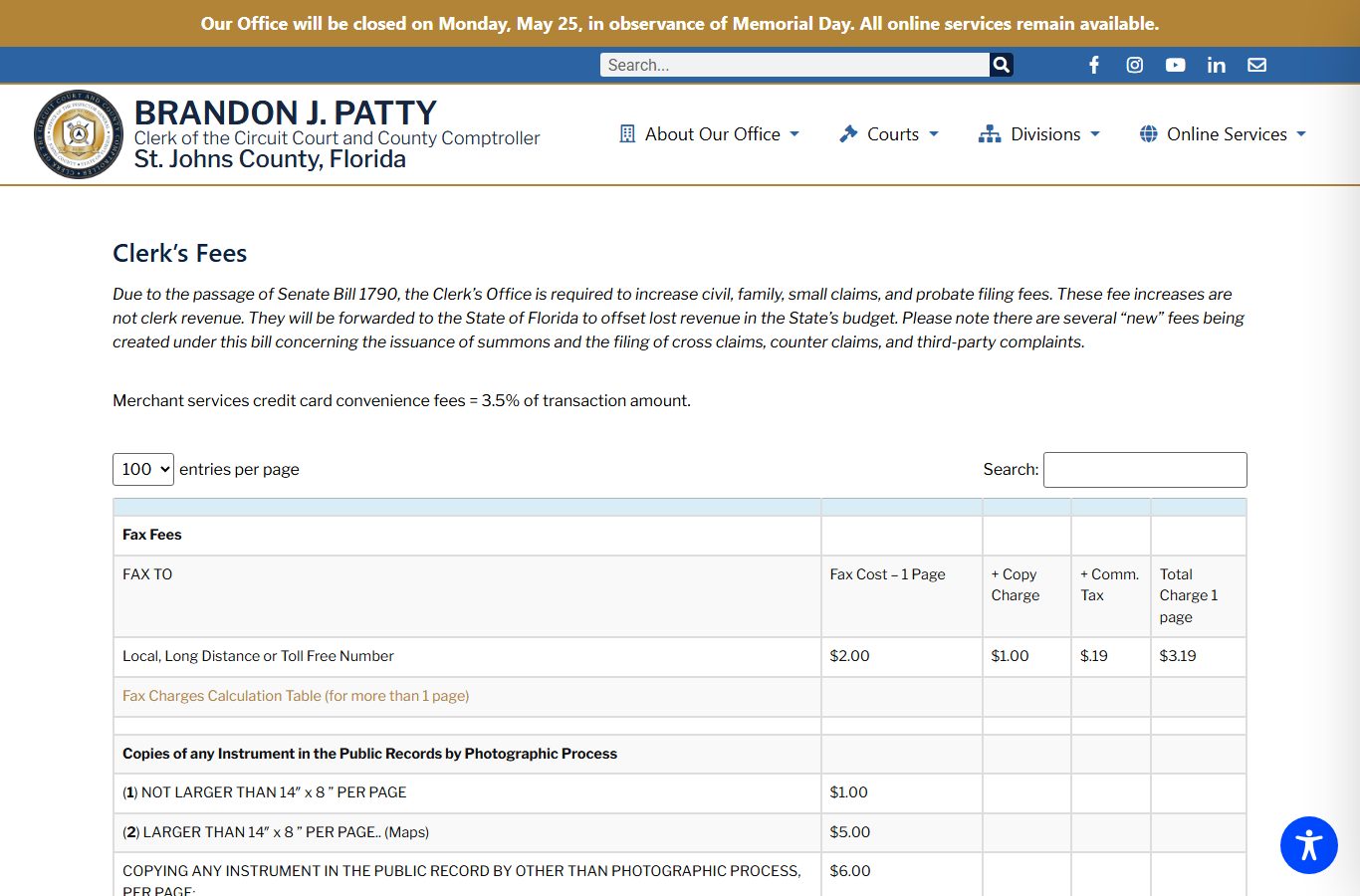
Cash is taken in person only. Checks and money orders should be made payable to the St. Johns County Clerk's Office.
Are St. Johns County court records free to search? Yes. The Benchmark case search is free and open to the public. You only pay when you want printed copies, certified copies, or a formal name search done by Clerk staff. Viewing a case and reading docket entries online costs nothing, and the search updates in real time.
In-Person Court Record Requests
You can also view records on site. Public access terminals are available at the courthouse, and staff can point you to the nearest one. Bring a photo ID and expect security screening at the entrance. For older archival files, the Clerk says modern records run from the 1990s to today, while archival records reach back to 1821 and are viewed on site or by a public records request. To request copies, you can email the right division with the required case details or submit the matching research form.
St. Johns County Clerk of the Circuit Court
4010 Lewis Speedway
St. Augustine, FL 32084
(904) 819-3600
Mon–Fri 8:00 AM–5:00 PM