
About the St. Johns County Clerk's Office
Brandon J. Patty serves as the elected Clerk of the Circuit Court and County Comptroller for St. Johns County, Florida. Florida uses a unified county clerk structure, meaning one elected official handles court record custody, official record recording, county financial functions, and related public duties. There is no separate district clerk or county clerk for different courts. The same office maintains records for both the circuit court and the county court, records deeds, mortgages, and marriage licenses in Official Records, manages tax deeds, and handles public records requests.
The Clerk's main office is located at the Richard O. Watson Judicial Center, the same courthouse where all St. Johns County circuit and county court proceedings take place. The office provides public access terminals for on-site record viewing, staff assistance for division-specific requests, marriage licensing at the main office and two annexes, and a full range of copy and certification services. Hours are Monday through Friday, 8:00 AM to 5:00 PM.
St. Johns County Clerk of the Circuit Court and County Comptroller
Clerk: Brandon J. Patty
4010 Lewis Speedway
St. Augustine, FL 32084
(904) 819-3600
Mon–Fri 8:00 AM–5:00 PM
PRR@stjohnsclerk.com (public records requests)
The screenshot below shows the Clerk's court-services landing page, which links to all court divisions and online access tools.
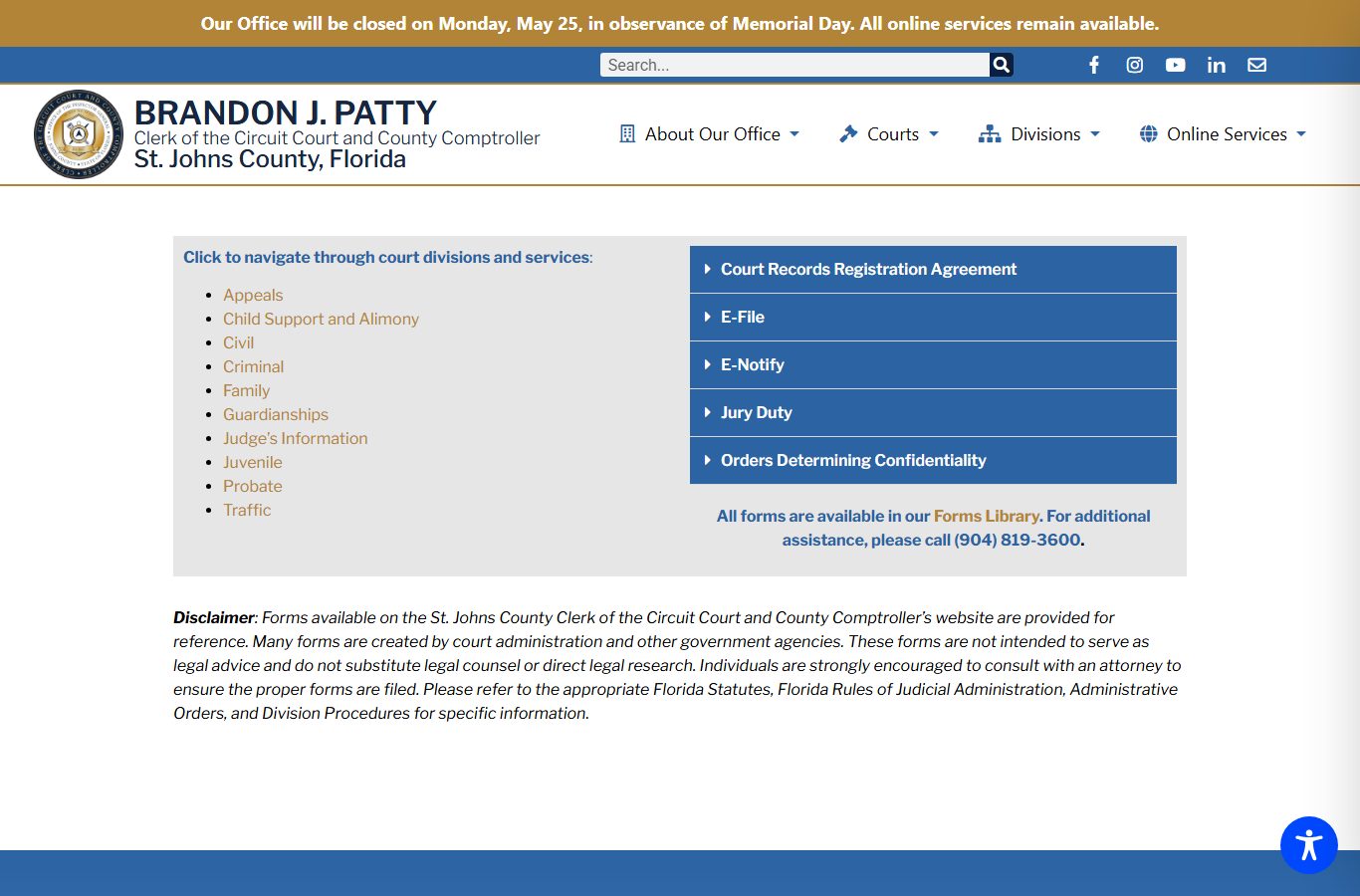
The landing page links to appeals, child support, civil, criminal, family, guardianship, judge information, juvenile, probate, traffic, registration agreements, e-filing, and e-notify, giving a clear overview of the full scope of the Clerk's court responsibilities.
The Unified Florida Clerk Role
Florida's clerk structure differs from states that split court record custody between a district clerk and a county clerk. In St. Johns County, Brandon J. Patty's office handles everything. This means the Clerk attends court sessions for both circuit and county courts, records dispositions, calendars criminal cases, reports required information to state agencies, manages filing and payment systems, and provides public access to case files. The office also records official instruments in the county's property and document records, handles marriage licenses, manages tax deeds, and functions as the county comptroller for financial oversight.
On the court side, the Clerk supports criminal, civil, family, guardianship, probate, traffic, juvenile, mental health, and appeals divisions. On the official records side, the Clerk records deeds, mortgages, recorded marriage licenses, liens, plats, notices, and other instruments submitted for recording. Both sets of records are searchable online through separate portals, Benchmark for court cases and Landmark for official records.
For researchers, the unified structure simplifies the starting point. One office. One phone number. One website. Whether a case is a felony criminal matter or a small claims dispute, the St. Johns County Clerk's office is the custodian and the path to official records.
Online Record Systems
The Clerk operates four main online research systems accessible through the online research hub at stjohnsclerk.com. Each system serves a different record type. Using the right portal for the right search avoids confusion and speeds up the process.
| System | What It Covers | URL |
|---|---|---|
| Benchmark | Court case records for circuit and county court: criminal, civil, family, probate, traffic, small claims, and all other case types | apps.stjohnsclerk.com/Benchmark |
| Landmark | Official recorded instruments: deeds, mortgages, recorded marriage licenses, liens, plats, and other recorded documents | apps.stjohnsclerk.com/Landmark |
| TaxSmart | Tax deed cases and related sale, certificate, parcel, and applicant searches | apps.stjohnsclerk.com/TaxSmart |
| E-Certify | Online certified court document ordering through the ClerkEcertify link on Benchmark | Accessible via Benchmark portal |
The Benchmark portal is the main tool for court records research and is described in detail on the court records page. Landmark covers official records, not court case dockets. A recorded marriage license is in Landmark; the divorce case file is in Benchmark. Property deeds are in Landmark; a civil judgment is in Benchmark. The distinction matters when a search returns no results in one system.
Note: Both Benchmark and Landmark require JavaScript to run correctly and are best viewed at 1366x768 or higher resolution; anonymous public searches are available in both portals without creating an account.
E-Filing and E-Notify
Florida uses a statewide electronic filing portal for court documents. The Clerk's e-filing page at stjohnsclerk.com/courts/efile directs attorneys and self-represented litigants to the Florida Courts E-Filing Portal at myflcourtaccess.com. Most court filings in St. Johns County, including civil complaints, family law petitions, motions, and responses, are submitted through that portal rather than in paper form. The Clerk's e-file page also links to training resources and tutorials for users who are new to the system.
The screenshot below shows the Clerk's e-filing page, which provides the link to the statewide portal and notes training support.
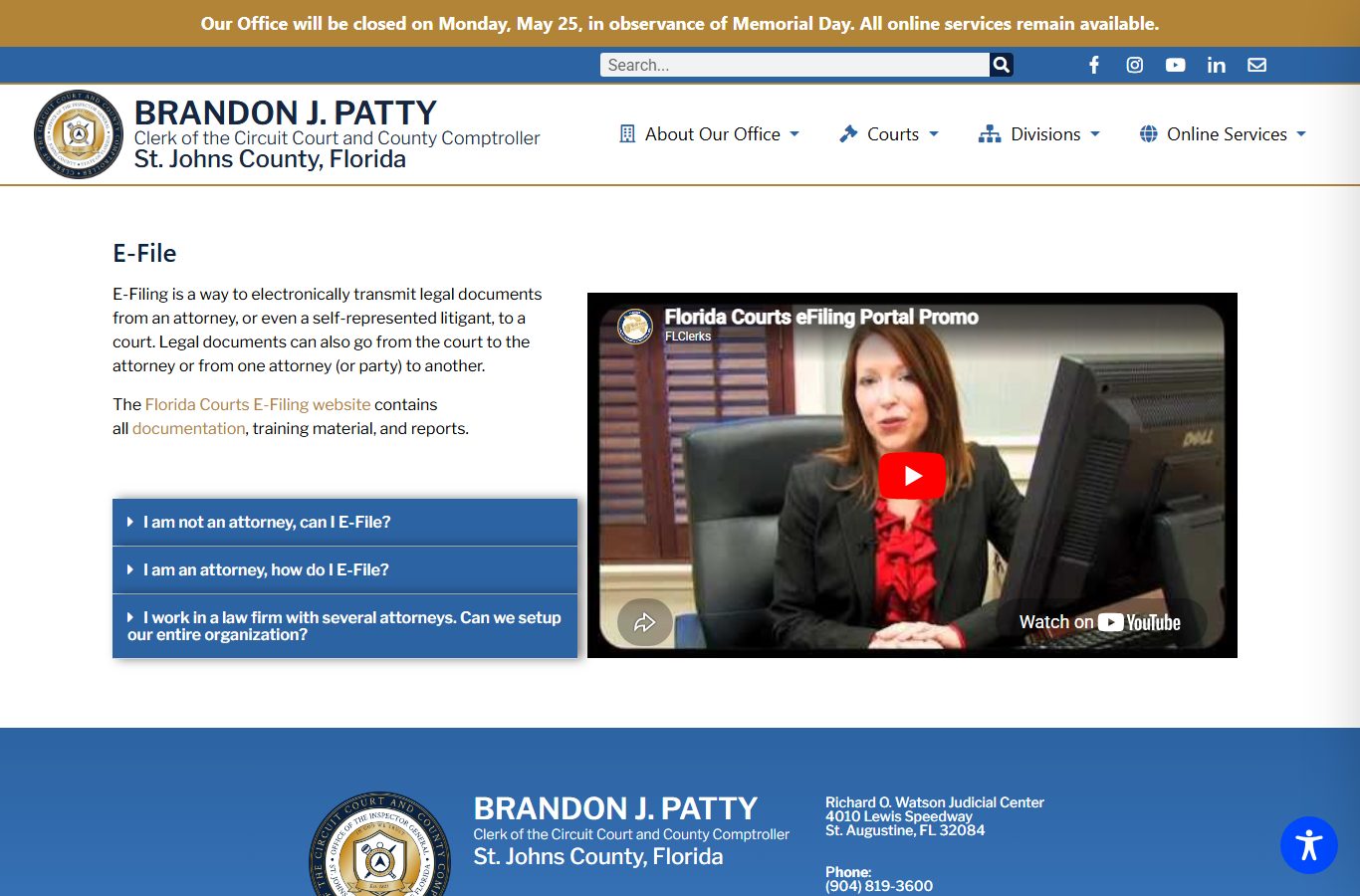
The Florida Courts E-Filing Portal handles filings for civil, family, probate, criminal, and other case types. After filing, documents appear in the Benchmark case docket as the Clerk processes them.
E-Notify is a separate electronic notification system developed by the Florida State Courts System, Florida Court Clerks and Comptrollers, and the Florida Legislature. The Clerk's page notes that only adult criminal traffic, adult misdemeanor, and adult felony cases are eligible for e-notifications. Users who want to receive alerts when docket entries are made in those case types can register through the Clerk's e-notify system. This is useful for attorneys, parties, and others who need to track active criminal cases without checking Benchmark manually.
Clerk Fees in St. Johns County
The Clerk publishes its fee schedule at stjohnsclerk.com/clerks-fees-2. Fees cover copies, certifications, name searches, marriage licenses, driver records, and sealing or expungement filings. The table below covers the most common fees for court records and general clerk services.
| Item | Fee |
|---|---|
| Photocopy of court record, per page | $1.00 |
| Certification of document | $2.00 per document |
| Name search, per name and per year (no case number) | $2.00 |
| Clerk letterhead statement on search results | $7.00 |
| Certificate of exemplification or authentication | $7.00 |
| Criminal court file copies | $1.00 per page |
| Criminal certification | $2.00 per document |
| Seal or expunge record filing | $54.00 |
| Marriage license (Florida residents, no premarital course) | $86.00 |
| Marriage license (Florida residents, premarital course completed) | $61.00 |
| Marriage ceremony by Clerk | $30.00 |
| 3-year driver record, first page | $14.25 |
| Full driver record, first page | $16.25 |
| Credit or debit card convenience fee | 3.5% |
| BCC records photocopies maintained by Clerk | $0.15 per page |
| Certified copy of BCC records | $1.00 |
Payment options vary by method. Cash is accepted in person only. Checks, money orders, and cashier's checks should be made payable to the St. Johns County Clerk's Office. Credit and debit cards (Visa, MasterCard, American Express) are accepted in person and by phone, with a 3.5% convenience fee added. Online document access through Benchmark may be subject to the card fee if a card is used for any paid service.
How to Request a Certified Copy
Certified copies carry the Clerk's official seal and certification language, making them acceptable in legal proceedings, government applications, and official processes where an uncertified printout is not sufficient. Anyone who needs to prove a court outcome, such as a final divorce judgment, an adoption decree, a name-change order, or a conviction record, typically needs a certified copy rather than a plain printout. The Clerk's criminal division notes that certified documents may be obtained online through E-Certify.
- Identify the case number for the record you need. Search Benchmark by name, citation number, or date range if you do not already have the case number. The case number is the fastest path to a specific file.
- Determine whether you need a plain copy or a certified copy. Certified copies cost $2.00 per document for certification plus $1.00 per page. Plain copies are $1.00 per page.
- For online certified copies, use the E-Certify link from the Benchmark portal. This allows electronic ordering of certified court documents without visiting the courthouse.
- For in-person requests, visit the Clerk's office at 4010 Lewis Speedway during business hours. Bring the case number and a photo ID. Staff at the relevant division counter can process copy and certification requests while you wait or in a short turnaround.
- For mail requests, send a written request to the St. Johns County Clerk of the Circuit Court, 4010 Lewis Speedway, St. Augustine, FL 32084. Include the case number, party names, the document or record type you need, the number of copies, and a check or money order payable to the St. Johns County Clerk's Office in the estimated amount. For an exact fee, call (904) 819-3600 before mailing.
- For criminal division requests, the Clerk also accepts a completed Request for Criminal Research form from the Clerk Forms Library, or an email that contains all required information in lieu of the form. Misdemeanor requests go to (904) 819-3619 and felony requests go to (904) 819-3618.
Note: A name search without a case number costs $2.00 per name per year searched; providing the case number avoids this charge and returns results faster.
Court Records Registration Agreement
The Clerk's Benchmark portal allows anonymous public searching of court cases. For enhanced online document viewing, the Clerk offers a court records registration agreement. The registration rules depend on the user's relationship to the case. Attorneys of record and parties to a case must have the agreement notarized because the Clerk requires identity verification at that access level. General registered users, those who are not attorneys or parties, do not need notarization but must sign and date the agreement and acknowledge they have read and agreed to its terms. State and local agencies that need agency-level or gatekeeper access must request those forms by emailing helpdesk@stjohnsclerk.com.
The registration agreement is available through the Clerk's court records registration page and through the Clerk Forms Library. The registration gives additional document viewing beyond what is available to an anonymous public user. Judicial calendars and the ability to schedule hearings with a judge are also tied to account registration in some contexts. If the court records you need are only visible to registered users, completing the agreement and submitting it to the Clerk is the path forward.
Public Records Request Portal
On January 6, 2025, the St. Johns County Clerk launched a new public records request portal. The portal allows residents to submit and track records requests online, receive a unique identifier number and a security key, and monitor request status even without creating an account. Anonymous requesters can access status updates using their tracking number. The Clerk still accepts requests in person at the courthouse, in writing by mail, and by email at PRR@stjohnsclerk.com.
Florida law under Florida Statutes section 119.07 governs how the Clerk responds to records requests, what fees may be charged, and what must be produced. The Clerk's public records page at stjohnsclerk.com/recording/public-records explains the fee structure, how to submit a request, and what to expect. For records that are already available through Benchmark or Landmark, the Clerk encourages searching those portals first before submitting a formal public records request, since online access is faster and often free.
The Clerk's public records FAQ addresses common situations: dismissed criminal cases and automatic sealing, active warrants that are not published by the Clerk, archival records from 1821 to roughly the 1990s that are not available for online review but can be accessed on-site or by request, and the real-time update status of the Benchmark system. For more detail on Florida's public records framework and what the Clerk must disclose, see the public records page.
Marriage Licenses and Official Records
Marriage licenses in St. Johns County are issued by the Clerk at three office locations. The main courthouse office at 4010 Lewis Speedway does not require an appointment and is open Monday through Friday 8:00 AM to 5:00 PM. The Julington Creek Annex at 725 Flora Branch Boulevard, St. Johns, FL 32259, and the Ponte Vedra Annex at 151 Sawgrass Corners Drive, Ponte Vedra Beach, FL 32082, both require appointments and have reduced hours. The Clerk's marriage page at stjohnsclerk.com/marriage-licenses-ceremonies gives current hours and appointment instructions.
Once a marriage license is recorded, it becomes an official record in Landmark. Recorded marriage licenses can be searched there by name or document type. Divorce or dissolution of marriage records, by contrast, are court case files in Benchmark, not official records in Landmark. The two systems handle different record types even though both relate to marriage. For more on marriage license fees, waiting periods, and certified copy requests, see the marriage and divorce records page.
Official Records in Landmark covers a wide range of recorded instruments beyond marriage licenses. Deeds, mortgages, liens, plats, satisfaction of mortgages, recorded court judgments, and other instruments submitted to the Clerk's recording division all appear in Landmark. The Clerk's electronic official records access is also governed by Florida Statutes section 28.2221, which addresses identity-theft protections and what personal information may be posted online.